
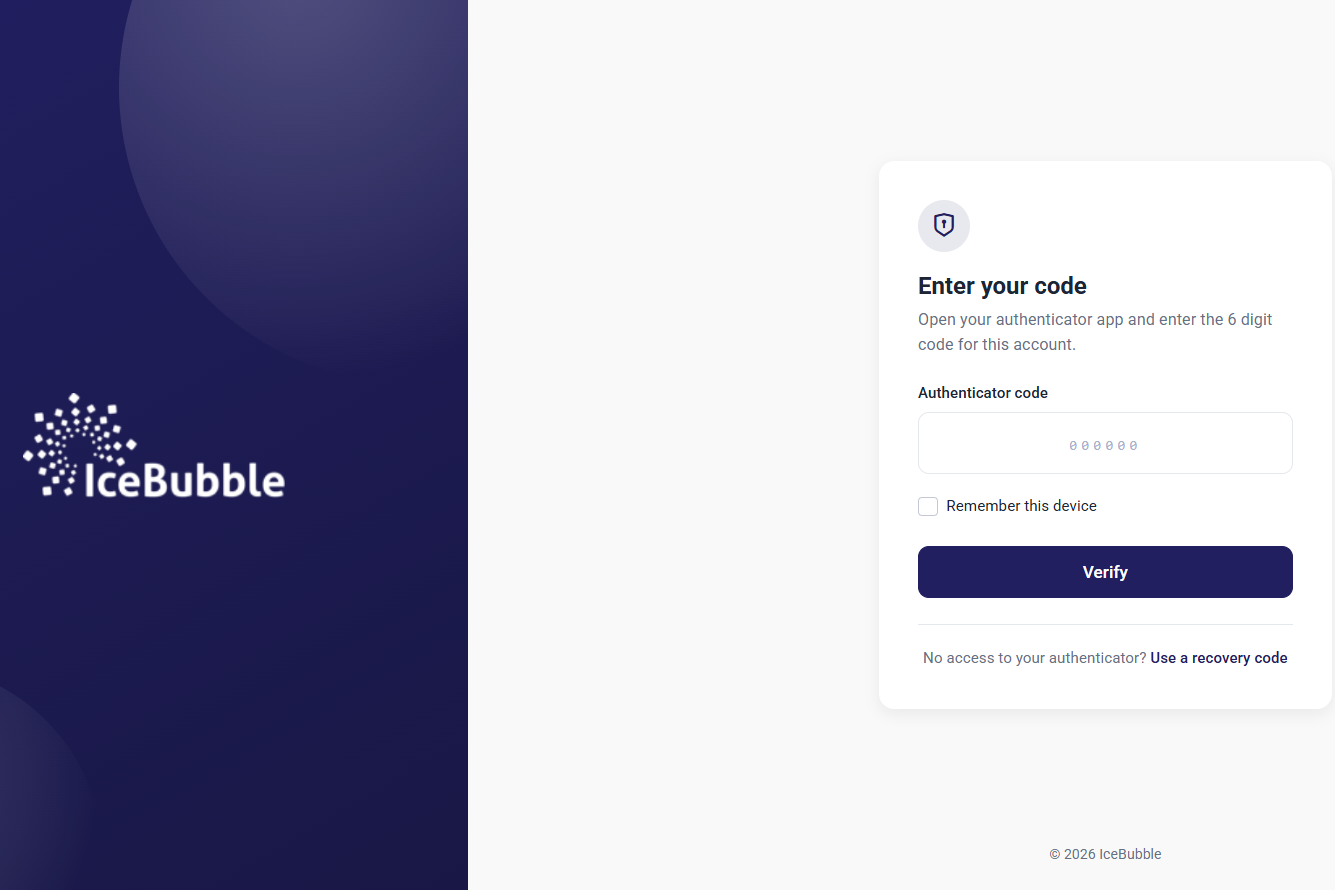
Two-factor authentication (2FA) adds a second check when you sign in, on top of your password.
You prove who you are with two different things: something you know, like a password, and something you have, like a code sent to your phone or email, or a code from an authenticator app such as Google Authenticator (Android, iOS) or Microsoft Authenticator. Someone who steals or guesses your password still cannot get in without the second part.
Why it matters
Passwords leak, get reused and get guessed. 2FA is one of the simplest and most effective ways to stop that turning into a break-in, whether it is your email, your social media, your bank or a business system.
If your business holds personal information, 2FA should be switched on in every system that holds it: your CRM, HR system and accounts software. Without it, one leaked password can mean exposed customer data, financial loss and a report to the ICO.
Here is where to switch it on in some common tools:
Bespoke systems and apps
The systems we build run on Microsoft .NET, which supports 2FA out of the box. It goes further too: you can require several checks at once, which is called multi-factor authentication (MFA). Microsoft explain how it works in their ASP.NET Core MFA guide.
We encourage every client to use it, and for some systems we insist on it.
If you want to know how far we go to secure the systems we build and host, ask us.