
Your day at a glance
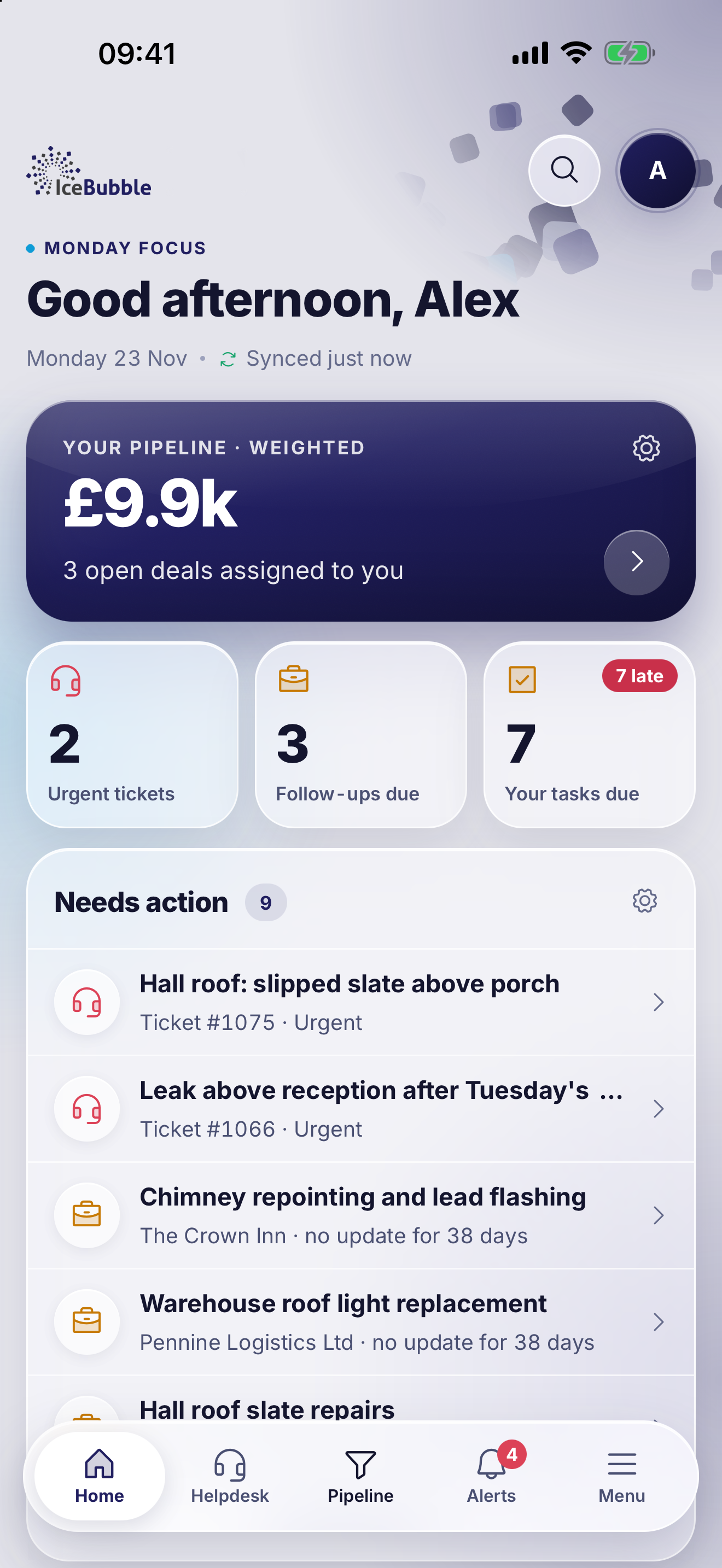
A home screen with your urgent tickets, follow-ups due and tasks due, a headline figure you choose such as your weighted pipeline, and recent activity across the team.
IceBubble CRM
Your pipeline, clients, helpdesk, jobs and time on your phone, for everyone who uses the CRM. Included in both plans, on the App Store and Google Play.
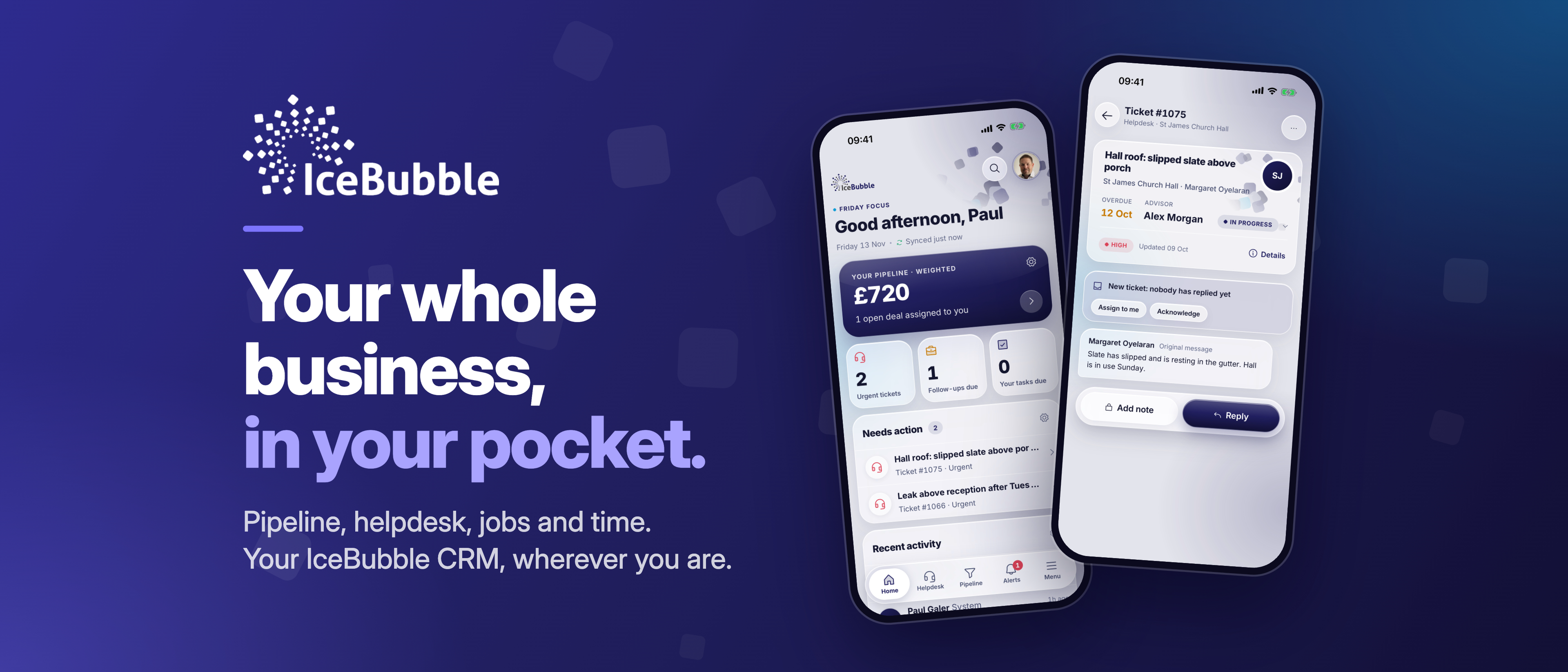
The customer rings while you are on site. A ticket needs an answer while you are between meetings. A deal moves on and the note goes in a text to yourself, to be typed up later, or not.
The mobile app is the parts of IceBubble CRM you need when you are not at a desk, on your own phone, with the same records your team see in the office.
Everything below reads and writes your own CRM. Nothing is typed twice.
A home screen with your urgent tickets, follow-ups due and tasks due, a headline figure you choose such as your weighted pipeline, and recent activity across the team.
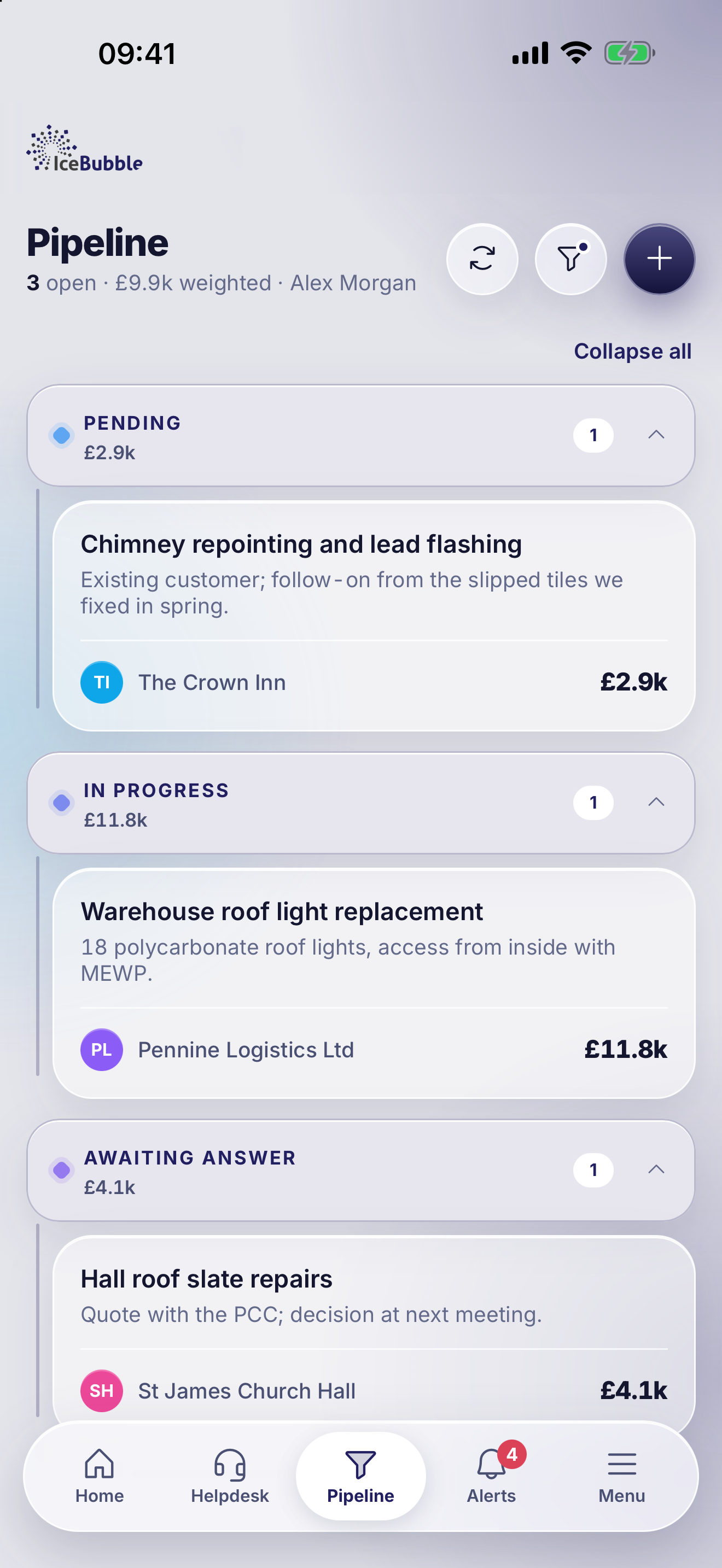
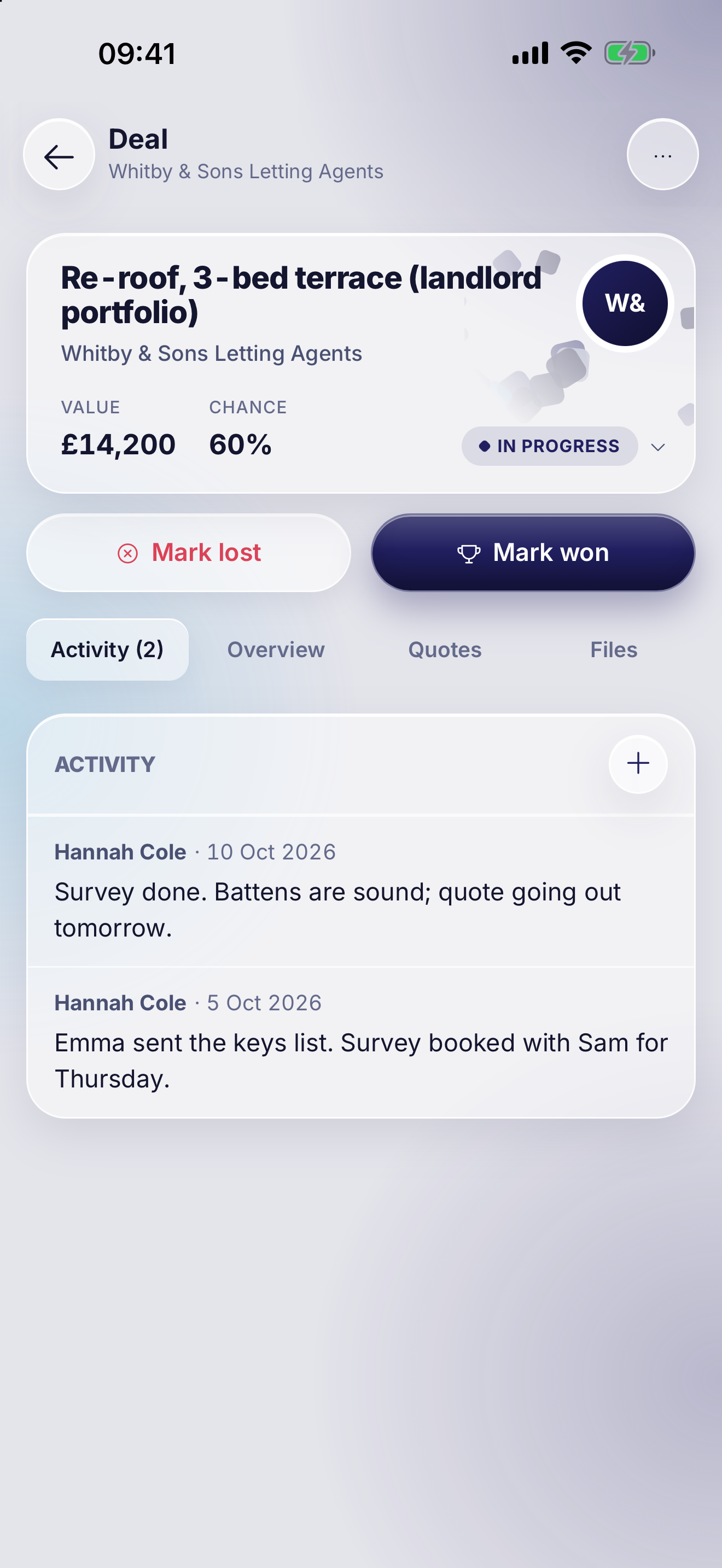
Every stage with its count and value. Open a deal to see its activity, quotes and files; add a note, change the stage, mark it won or lost, or create a new deal on the spot.
Find any client and see their contacts, notes, deals, jobs and tickets. Call or email a contact with one tap. Add and edit contacts and client notes.
Your ticket queue, filtered to yours, unassigned or awaiting a reply. Read the whole conversation and reply to the customer, add an internal note, change the status or take the ticket.
Work and task boards, filtered to you or your team. Update a status, add a note or attach a file, and log time against a job in a few taps.
Your CRM's reports, with charts and tables laid out for a phone, so the Monday figures are there before the Monday meeting.
Demo data, the same app your team would install.
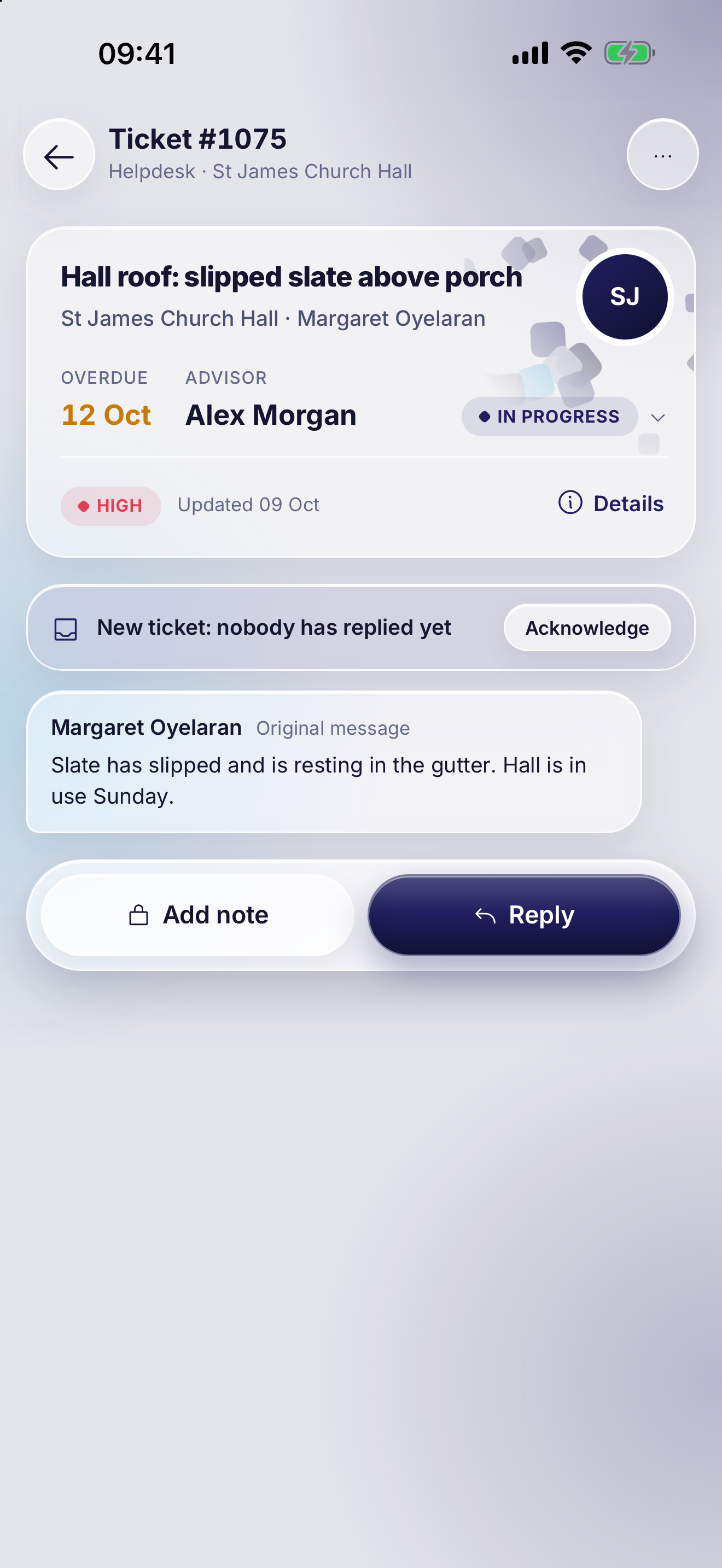
Free on the App Store and Google Play. You sign in with your IceBubble CRM email and password, so the app is for existing IceBubble customers and their teams.


IceBubble CRM has two apps, and they do different jobs.
The IceBubble CRM mobile app on this page is for everyone on the CRM: the owner, the office, the sales team, whoever answers the helpdesk. It is one app in the stores, under IceBubble's name.
The field app is for teams doing surveys, visits and jobs on site, with photos, signatures, barcodes and offline working. Field marketing agencies get it in their own brand, as Magic Briefcase does.
Most companies use the first. Companies with a field team use both.
Nothing extra. It is part of both plans, Core and With Assistant. See pricing.
Anyone with an IceBubble CRM login. They see what their role lets them see in the office, and no more.
Ask us and we switch the app on for your company. From then on your team install it from the App Store or Google Play and sign in with their usual email and password.
Pages you have already opened can still be read, and the app catches up when the signal comes back. Changes need a connection to save, so the office always has the current record.
The full CRM runs in the browser on anything with a screen. The app is for iPhone and Android, where a browser is the wrong tool.
Only what the person has opened recently, so pages open quickly. It is kept behind the phone's own lock and the app's fingerprint or face sign-in, and it is removed when they sign out.
No. The field app is for surveys, site visits and offline forms, and it stays. This app is for everyone else, and for the people who do both.
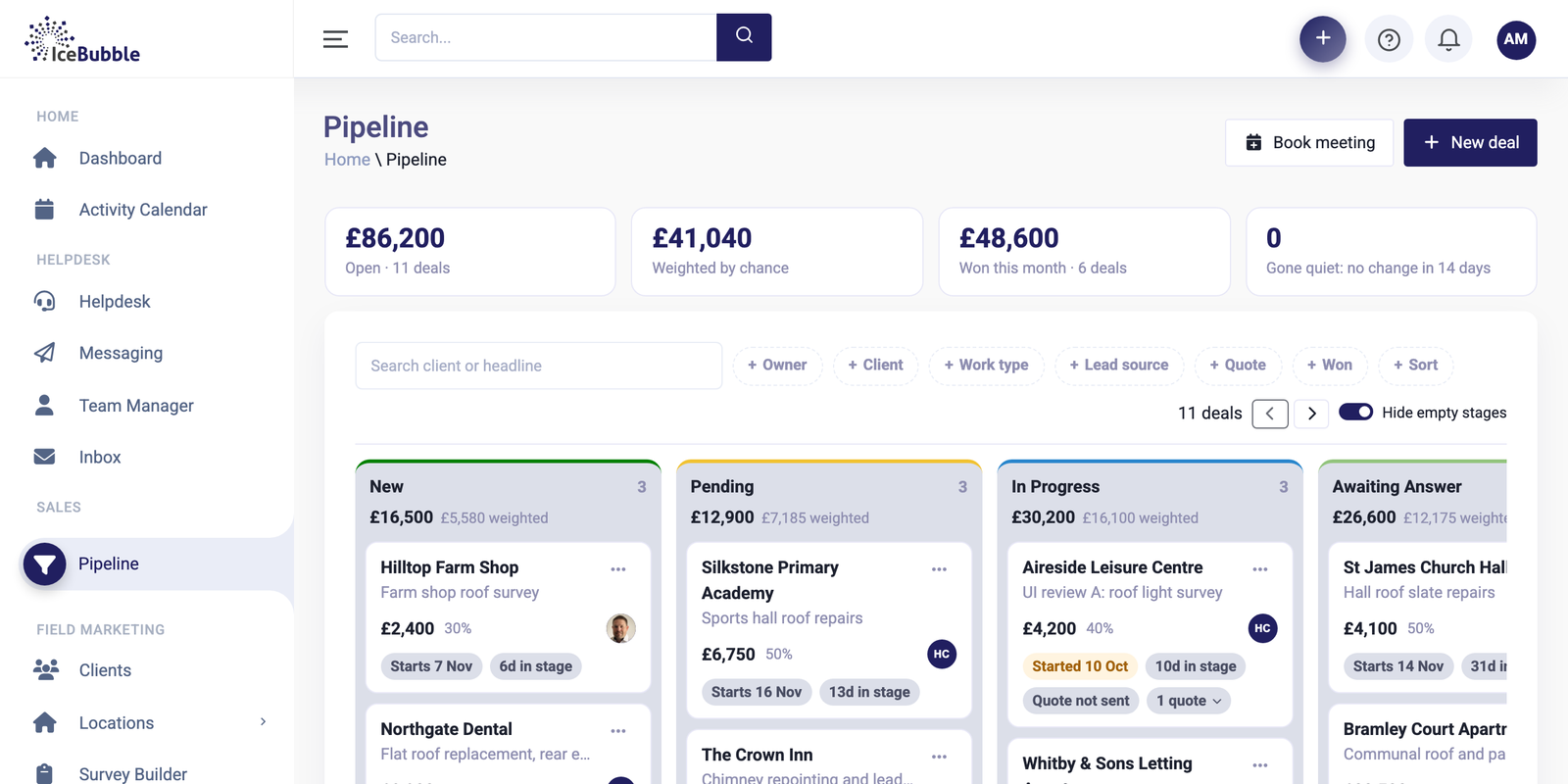
Deals as cards by stage, quotes and deposits from the deal, and won work that turns into jobs.
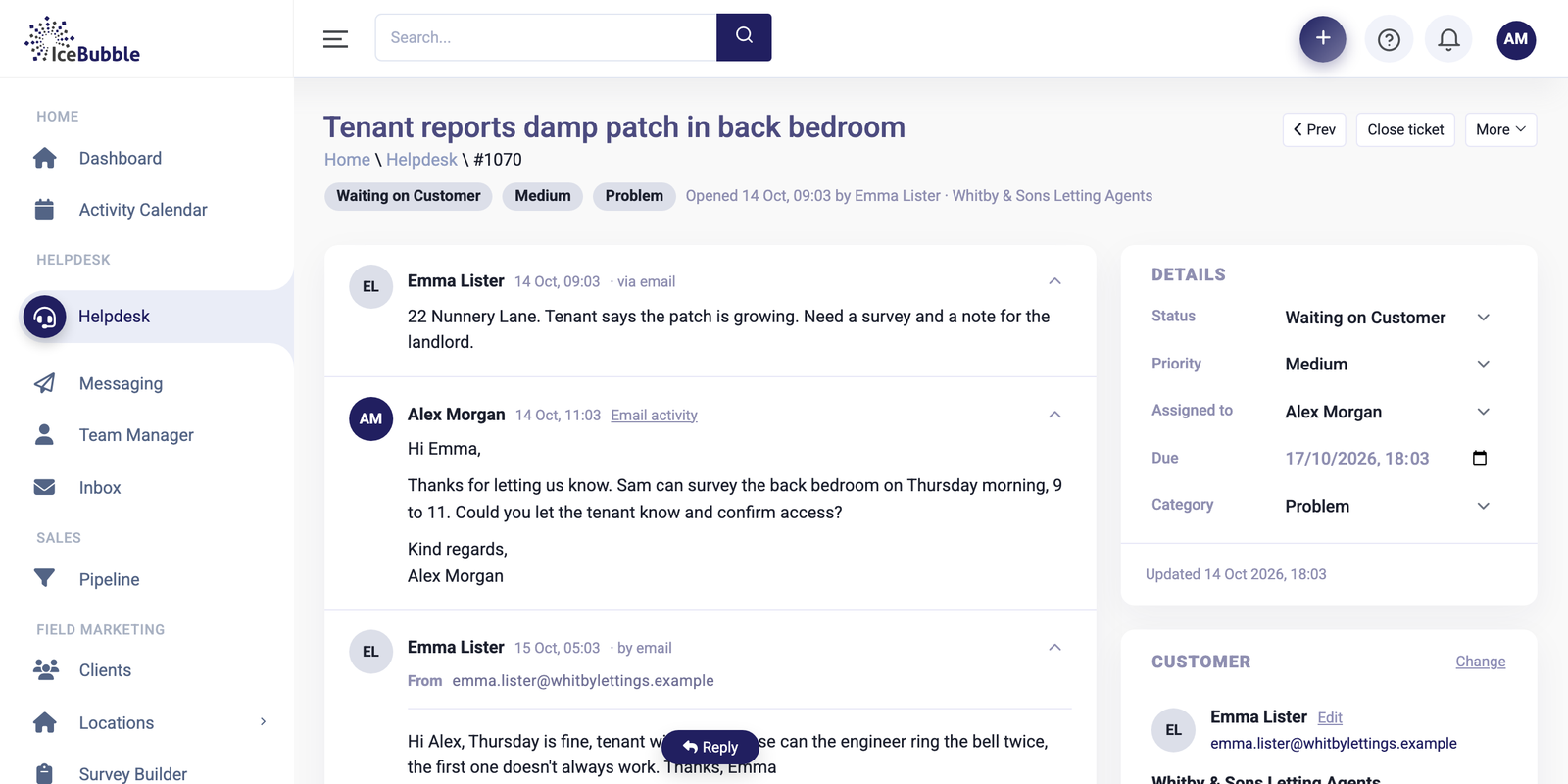
Customer emails land as tickets, attached to the right client and job, with notes and replies in one thread.
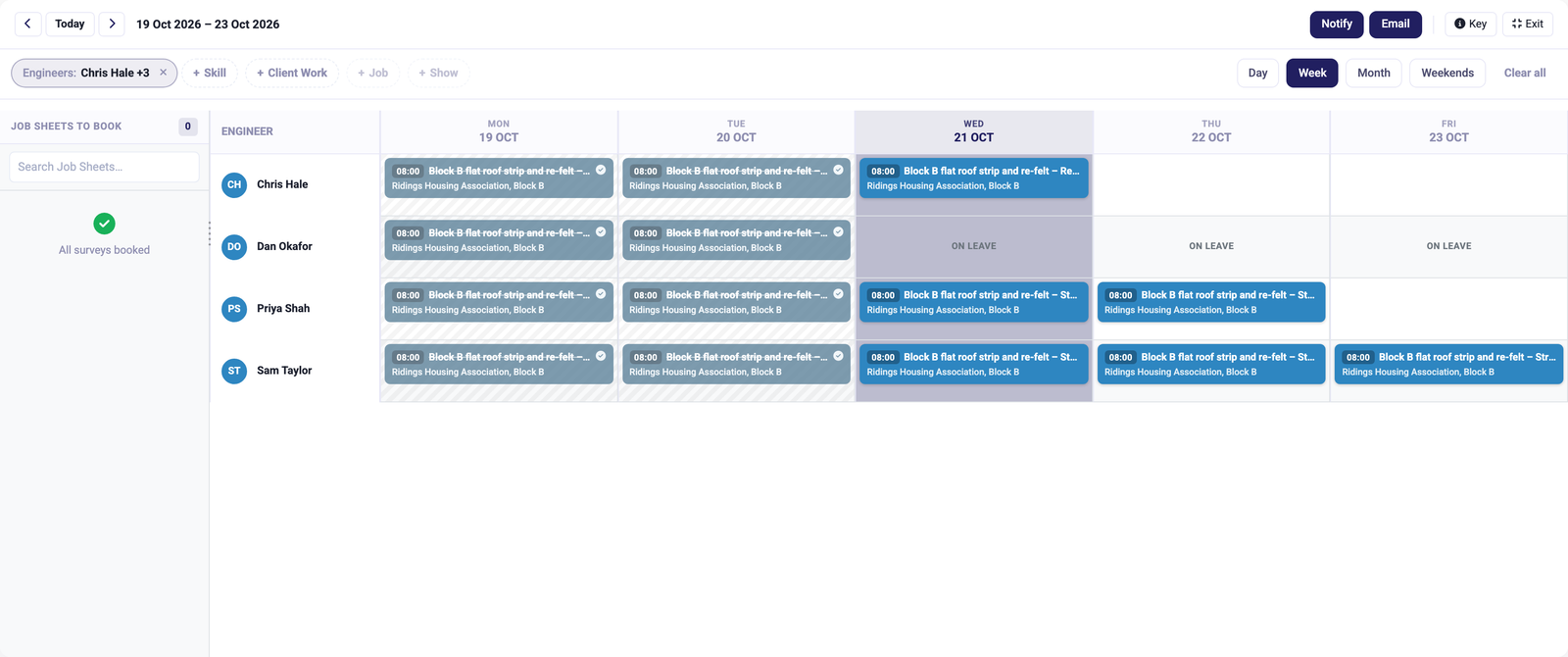
Book the right person on the planning board, run the job from the app on site, and turn the hours into the invoice.
Book a demo and we'll show you the CRM on a desk and on a phone, with examples from your kind of business.
Prefer not to book online? Call 07766 120568 or email hello@icebubble.co.uk.