
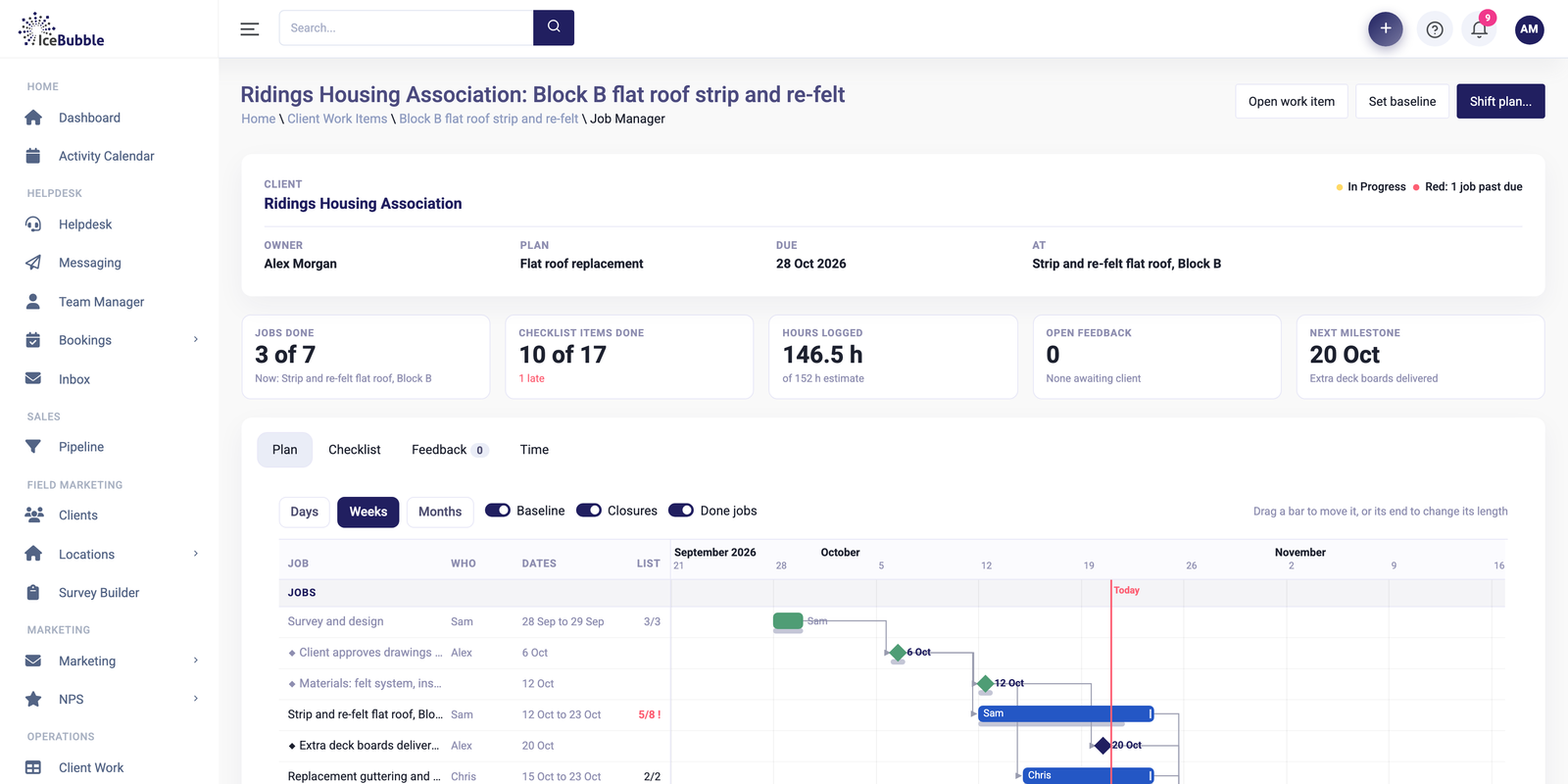
Delivery managementNew
Win the deal and the plan builds itself, with every job on one Gantt and the knock-on of any change shown first.
More on delivery managementIceBubble CRM
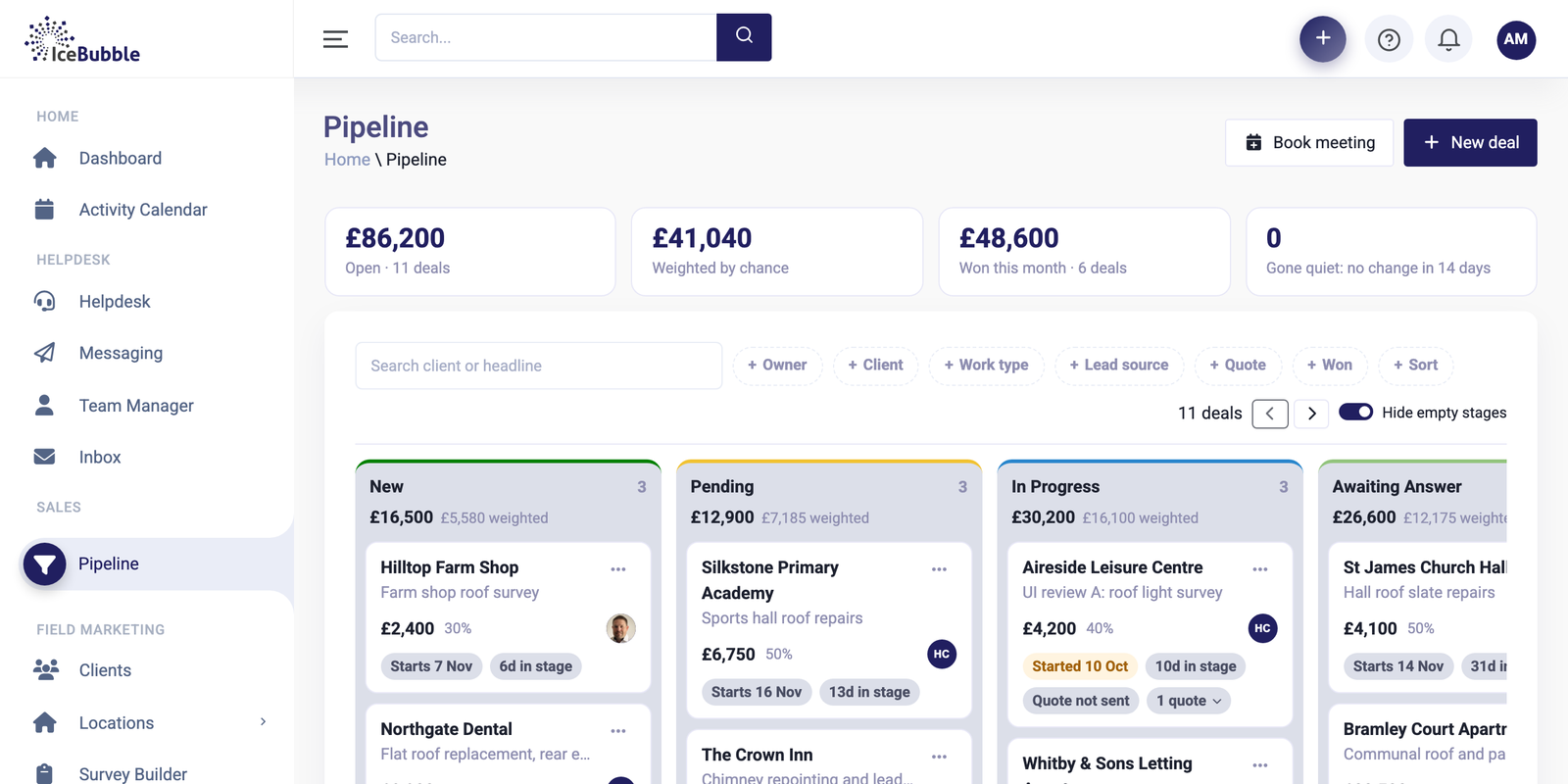
Every open deal on one board, with what each stage is worth across the top. When you win one, its jobs are created for you.
Enquiries arrive by phone, by email and through the website. Some get a quote, some get a callback, and a few sit in someone's inbox until it is too late. Ask what is in the pipeline and someone opens a spreadsheet and hopes it is up to date.
The board below replaces that spreadsheet, and it stays current because it is where the team works.
Deals sit as cards in their stage, from new to won. Each card shows the client, what the work is, its value and its chance of winning, how long it has sat in the stage, and when it starts. The total for each stage sits at the top of its column.
Open value and number of deals, the value weighted by chance of winning, what you have won this month, and how many deals have had no change in 14 days. That last number is the one to check before the Monday meeting.
Raise a quote from the deal, take a deposit by card through Stripe, and send the invoice to your accounts package. Everything stays attached to the deal.
Book a meeting or log a call from the deal. The next step goes in the diary, and whoever picks the deal up next can see where it got to.
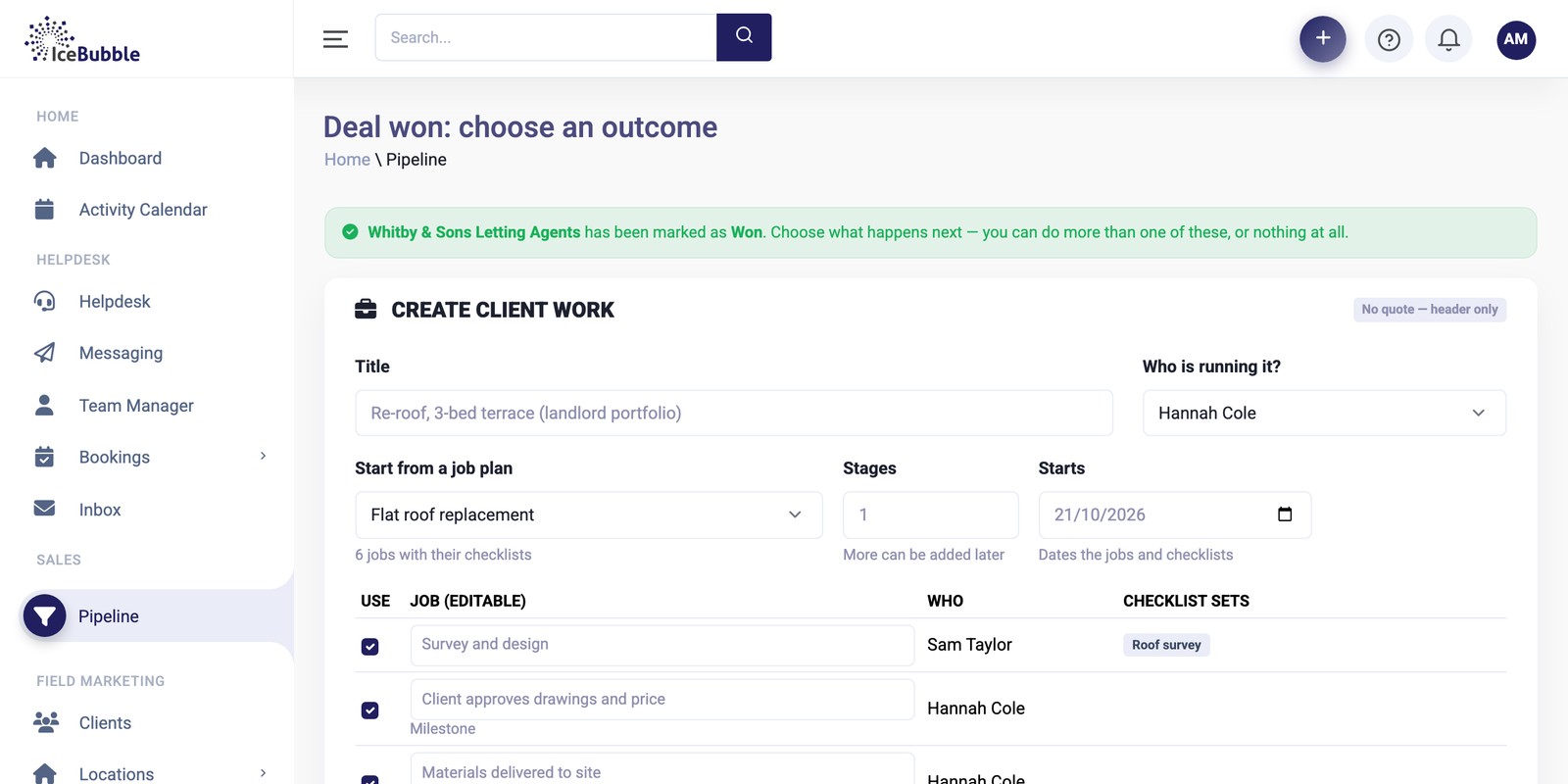
Mark a deal as won and its jobs are created, or a full delivery plan if the work needs one. Sales and delivery work from the same record.
The pipeline is where most work in IceBubble CRM begins. Contacts and clients are the same records your helpdesk and campaigns use, calls and meetings go in the activity calendar, and a won deal becomes jobs, a delivery plan, invoices and report figures.
Win the deal and the plan builds itself, with every job on one Gantt and the knock-on of any change shown first.
More on delivery management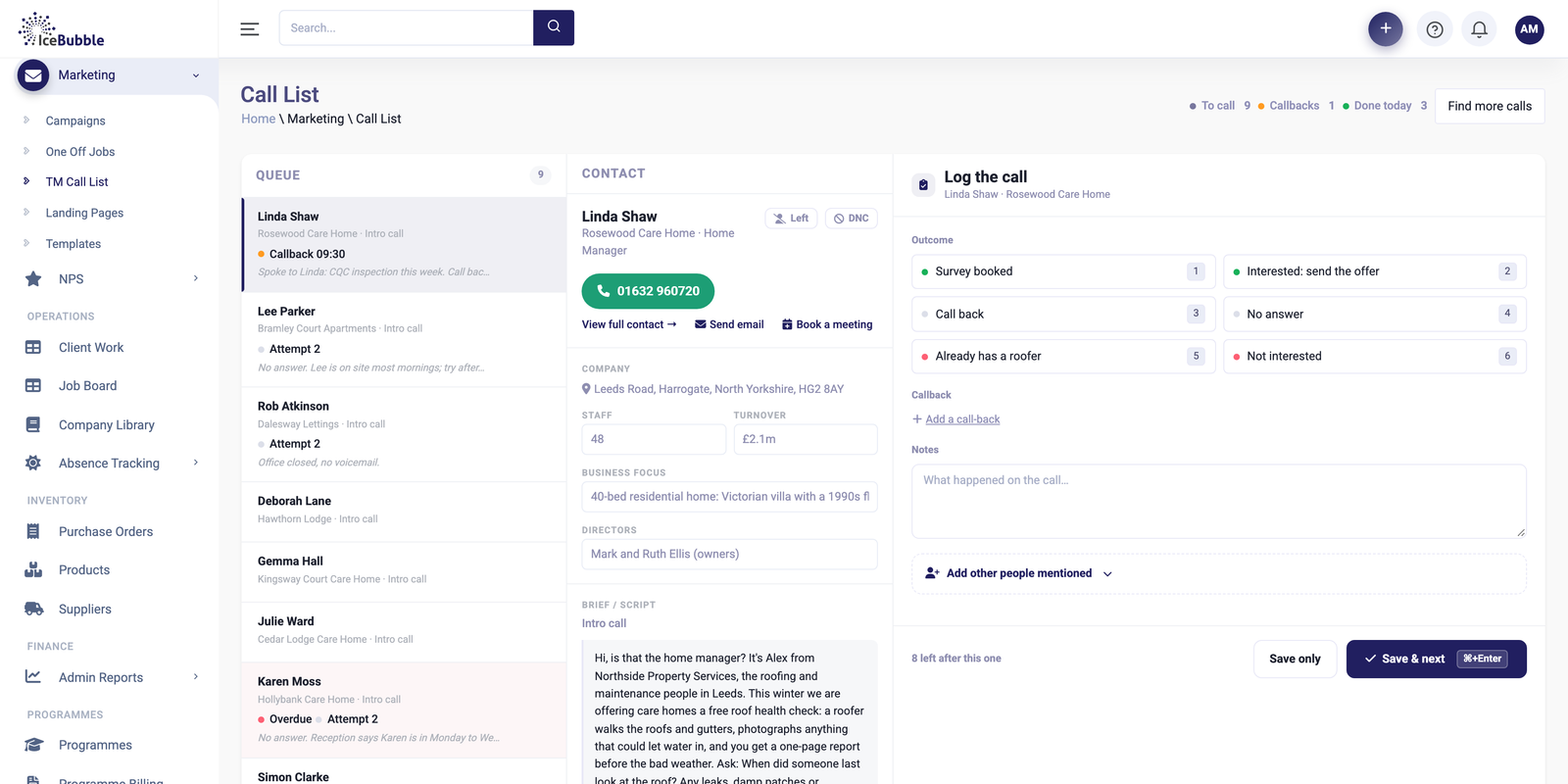
Plan a campaign, work the call list, log outcomes in a click and see meetings booked as they happen.
More on campaigns and calling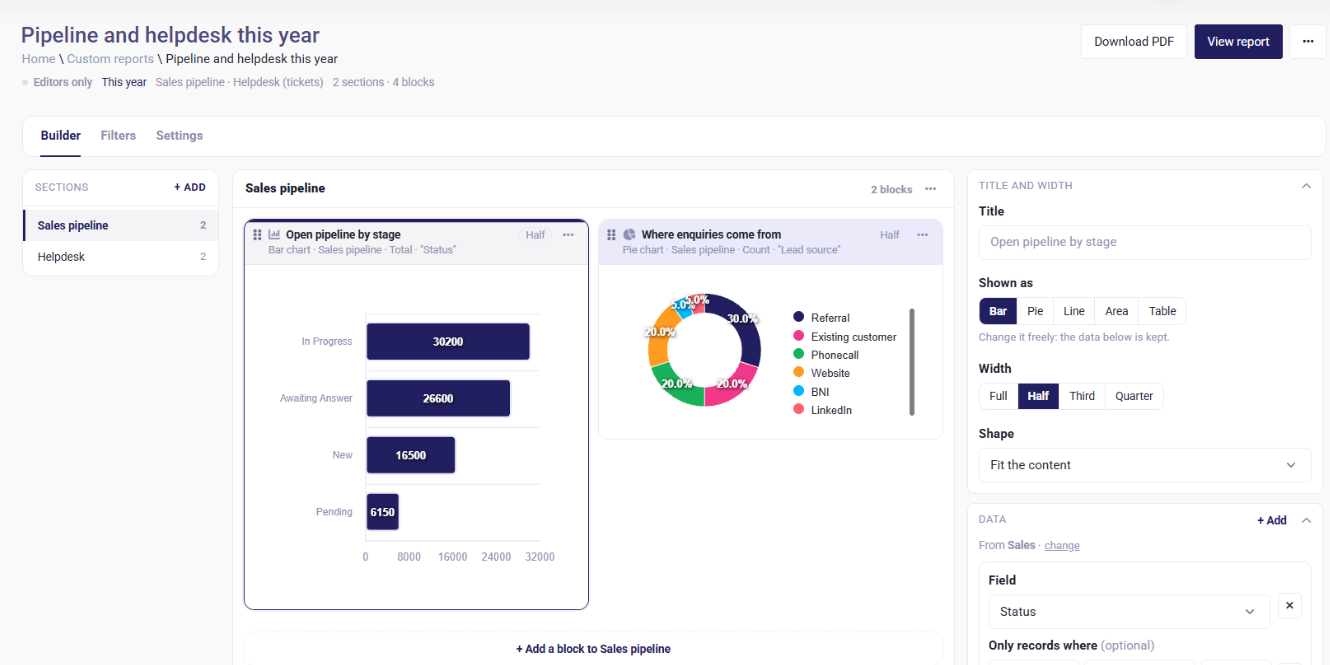
Build your own reports and dashboards, and start each day with an AI summary of sales, jobs and support.
More on reports and AI summariesYes. The stages are set up to match how you sell, and we can help you get them right at the start.
Yes. Deposits and payments can be taken by card with Stripe, straight from the quote.
Yes. Invoices go to Xero, QuickBooks Online, Sage or FreeAgent.
Yes. There are direct imports from HubSpot and Zoho, and Excel or CSV for anything else. See moving from another CRM.
We'll show you the CRM using work like yours, and answer whatever you want to ask.
Prefer not to book online? Call 07766 120568 or email hello@icebubble.co.uk.