
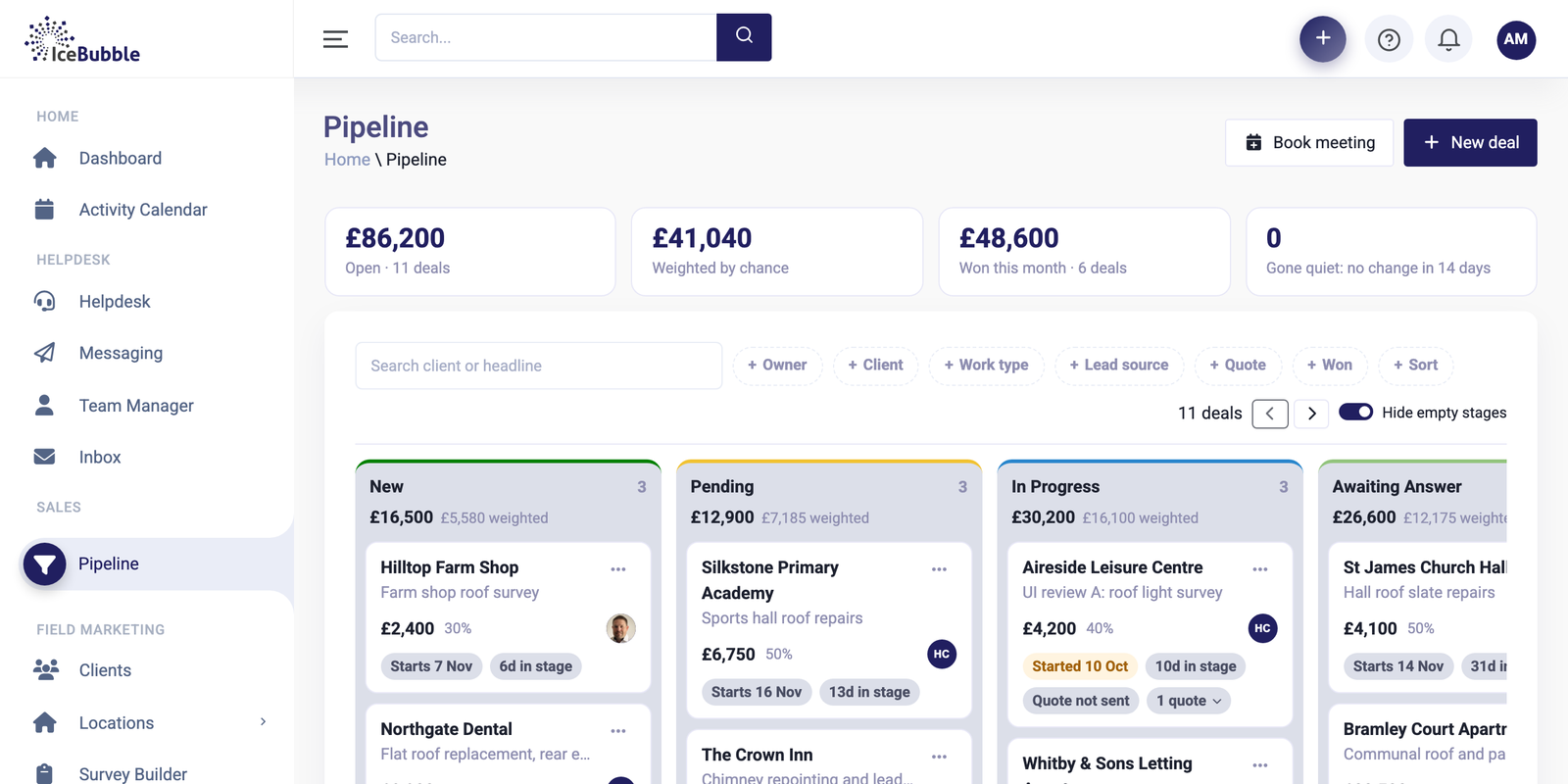
Most small businesses run their customers and sales from a spreadsheet for years, and for a while it works. It is free, everyone knows how to use it, and it does exactly what you set it up to do. The trouble starts when more than one or two people rely on it. Here are the signs it is time to move, and what to look for when you do.
The signs
Enquiries go missing. One came in by phone, one by email and one through the website, and nobody is sure who replied to the second one. Someone was going to add it to the sheet later.
Nobody knows what is in the pipeline. Ask what work is likely to come in next month and someone opens the spreadsheet and hopes it is up to date. The figures in it are as old as the last time anyone remembered to change them.
The same customer is typed in three places. Once in the sales sheet, once in the accounts package and once in the job list, each with a slightly different address. Changing one does not change the others.
Only one person really understands it. The colour coding, the hidden columns and the tab called “OLD do not use” make sense to whoever built it. When they are on holiday, nobody else is sure what is current.
You cannot see what happened. A customer rings about a quote and nobody can tell when it was sent, what was said on the last call or who spoke to them.
If two or three of these sound familiar, the spreadsheet is costing you more than a CRM would.
What to look for in a CRM
Whichever CRM you choose, these are the things that matter for a small team.
One record per customer. Contacts, deals, emails, calls, quotes and jobs all hang off the same customer, so anyone can pick it up and see where things stand.
A pipeline you can read at a glance. Deals in stages, with what each stage is worth, and a way of spotting deals that have gone quiet. That last part is what stops enquiries going missing.
It connects to your accounts package. If quotes and invoices have to be typed into Xero or QuickBooks again, people will stop using one of them.
It covers what happens after the sale. Many CRMs stop at the sale. If you deliver work, think about where jobs, support requests and holidays will live, or you will end up with a spreadsheet for those instead.
Getting your data in is easy. Check it can import from Excel or CSV, and from whatever you use now, without someone retyping it.
Your team will actually use it. A CRM is only as good as what goes into it. Try it with the people who will use it every day, on the devices they use, before you commit.
Moving across
Clean the spreadsheet before you import it. Remove duplicates, fill the gaps you can and decide what you no longer need. Mistakes are much easier to fix in the sheet than after they are in the CRM.
Then move the open deals and current customers first, and bring the history across afterwards if you need it.
Where IceBubble CRM fits
We built IceBubble CRM for small teams who have reached this point. It has a sales pipeline, jobs, helpdesk, invoicing and email in one place, with imports from Excel, CSV, HubSpot and Zoho. We can help you set it up, and because we are a software house, we can build what it does not do yet.
If a different CRM suits you better, the list above still applies. We weighed up the bigger choice in bespoke CRM or off the shelf?