
Plus addressing gives you as many email addresses as you like, all delivered to the one mailbox you already have.
The big email providers support it, including Microsoft 365, Outlook.com and Gmail. Not many people know about it, but it is very useful.
How it works
If your email address is:
john@mycompany.co.uk
you can also use:
john+anything@mycompany.co.uk
and the email still comes to you. The part after the plus can be anything you like.
What to use it for
Sorting. Use a different variation for each service, newsletter or website you sign up to, then let your email rules do the work: file them into folders, flag them, or send them straight to the bin.
Spotting leaks. If you signed up to one company as john+shoeshop@ and start getting emails to that address from someone else, you know exactly who passed your address on.
Plus addressing in a CRM
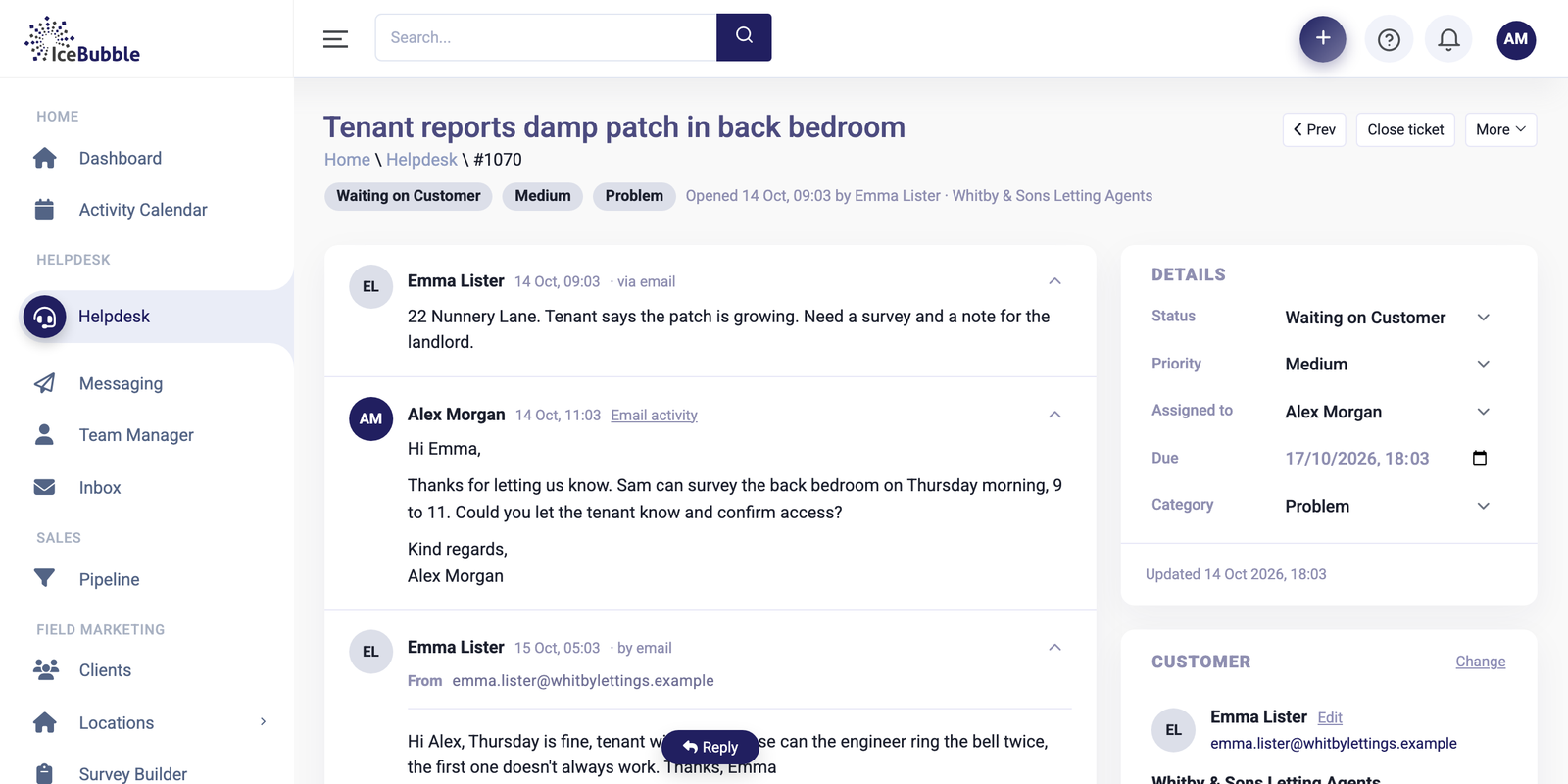
The same trick is handy for routing email into a system. In IceBubble CRM’s helpdesk, customer emails arrive as tickets on the right client and job, and a dedicated address per team or purpose keeps them separated from the start.